
In this guide
- Quick picks
- What real owners say: the big takeaways
- How we picked
- Comparison table
- Feature-by-feature comparison
- Amazon Fire HD 8 Kids (2024)
- Amazon Fire HD 10 Kids
- Amazon Fire 7 Kids
- LeapFrog LeapPad Academy
- LeapFrog 2-in-1 Touch & Learn Tablet
- Recall and spec check
- Which learning tablet for each age
- Our guides on audio players and learning tech
- FAQ
- Buying guide: choosing a learning tablet
- Healthy screen habits
- Safety notes
- Related reviews
Reader-supported: we may earn a commission from links on this page. Full disclosure
Updated: November 2026 · Researched from manufacturer specs, safety standards and public buyer reviews.
Quick answer
For most families the Amazon Fire HD 8 Kids (2024) is the best kids' learning tablet: a tough case, strong parental controls and lots of age-filtered content. Choose the LeapFrog LeapPad Academy for a learning-only device, and the screen-free LeapFrog 2-in-1 Touch & Learn Tablet for toddlers.
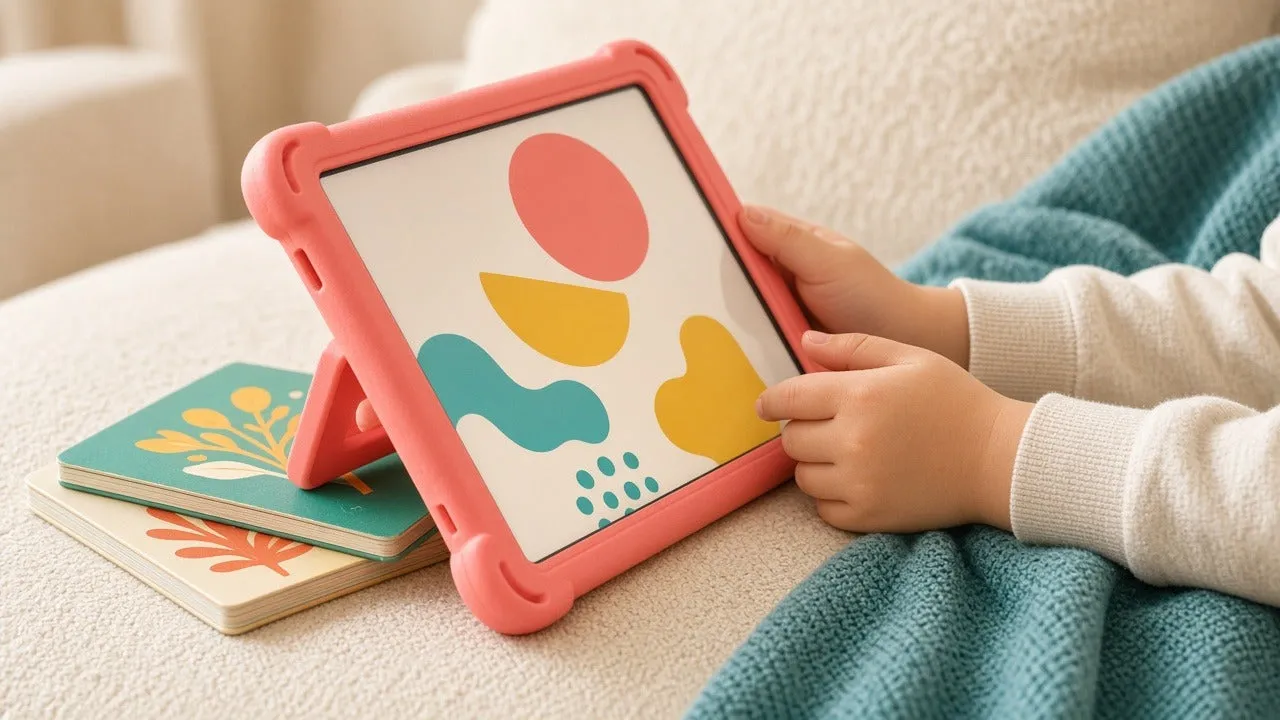
A kids' tablet can be a lifesaver on a long drive and a genuine learning tool at home, but only if it's built for little hands and comes with strong parental controls. The best preschool tablets pair a tough case with age-filtered content, time limits and no surprise purchases.
The big decision is a real tablet with a kid mode, or a learning toy made just for kids. Amazon's Fire Kids tablets are full tablets with a kid-proof case and a content subscription. LeapFrog's options are more limited but stay focused on learning. We've also included one screen-free option for families who'd rather wait on screens.
Screen time note: The American Academy of Pediatrics recommends limiting screen use for children 2 to 5 to about 1 hour a day of high-quality programming, ideally watched with a parent. Use built-in time limits and keep tablets out of bedrooms at night.
Quick picks
Amazon Fire HD 8 Kids (2024)
- Screen
- 8" HD
Amazon Fire HD 10 Kids
- Screen
- 10.1" 1080p
Amazon Fire 7 Kids
- Screen
- 7"
LeapFrog LeapPad Academy
- Screen
- 7"
LeapFrog 2-in-1 Touch & Learn Tablet
- Screen
- No screen
What real owners say: the big takeaways
We read Amazon reviews, parenting forum threads and Reddit discussions. These patterns kept coming up:
- Parental controls are the main reason parents choose Fire Kids. Reviewers like setting time limits and filtering content by age.
- The kid-proof case earns a lot of praise. Parents often mention tablets surviving drops.
- Subscriptions renew automatically. Fire Kids bundles include a period of Amazon Kids+, and some parents are caught off guard when it renews.
- Learning tablets are more limited. LeapFrog tablets keep kids on educational content, but some owners find them slower than a regular tablet.
- Many families start screen-free. For 2- and 3-year-olds, some parents prefer a pretend tablet with buttons and sounds.
How we picked
We did not buy or test these products. Here is how we chose them:
- Started with what parents actually buy. We looked at the best-selling, most-reviewed kids' tablets on Amazon.
- Read the listings closely. We pulled screen size, battery claims, storage and what's included from manufacturer listings.
- Focused on parental controls and durability. Those are what matter most at this age.
- Read the complaints, not just the praise. We looked for patterns in critical reviews and parent forums.
- Included a screen-free pick. Not every family wants a real screen for a preschooler.
We'll update this guide as listings and owner feedback change.
What we weighed most. A preschool tablet should be durable, easy for parents to control and filled with age-appropriate content. We gave the most weight to parental controls (time limits, content filters, app approval), protective cases and warranties, the quality of included learning content, and ongoing costs (subscriptions and add-on content). After that came screen size and quality, battery life, speed, storage and price.
Sources. Specs come from maker listings. Screen-time guidance comes from the AAP. We did not use these tablets with children ourselves.
How we score: SproutPicks Scores are our own editorial ratings, based on published specs, safety certifications and standards, and patterns across verified owner reviews. We don't hands-on test every product, and these scores are not Amazon ratings. Toy scores include sub-scores for Safety, Learning Value and Durability.
Comparison table
| Tablet | Ages (per listing) | Screen | Battery (claimed) | Notable extras | Score |
|---|---|---|---|---|---|
| Fire HD 8 Kids (2024) | 3–7 | 8" HD | Up to 13 hrs | Kid-proof case, Amazon Kids+ trial, 2-year worry-free guarantee | 9.0/10 |
| Fire HD 10 Kids | 3–7 | 10.1" 1080p | Up to 13 hrs | Kid-proof case, Amazon Kids+ trial, 2-year worry-free guarantee | 8.8/10 |
| Fire 7 Kids | 3–7 | 7" | Up to 10 hrs | Kid-proof case, Amazon Kids+ trial, 2-year worry-free guarantee | 8.4/10 |
| LeapFrog LeapPad Academy | 3–8 | 7" | Check listing | 20+ learning apps, stylus, bumper with kickstand, LeapFrog Academy trial | 8.3/10 |
| LeapFrog 2-in-1 Touch & Learn | 2–5 | None | 2 AA batteries | Six double-sided pages, story and activity modes | 8.0/10 |
Feature-by-feature comparison
| Tablet | Screen | Content | Ongoing cost | Best for |
|---|---|---|---|---|
| Fire HD 8 Kids | 8" | Amazon Kids+ (trial) | Subscription after trial | Best balance |
| Fire HD 10 Kids | 10.1" 1080p | Amazon Kids+ (trial) | Subscription after trial | Travel, bigger screen |
| Fire 7 Kids | 7" | Amazon Kids+ (trial) | Subscription after trial | Budget starter |
| LeapPad Academy | 7" | 20+ learning apps | Academy subscription, add-ons | Learning-only device |
| LeapFrog 2-in-1 | No screen | Built-in pages | Batteries | Toddlers, screen-free |
Amazon Fire HD 8 Kids (2024)
The 2024 Fire HD 8 Kids has an 8-inch HD screen, 3GB of RAM, 32GB of storage (expandable with a microSD card) and up to 13 hours of battery life, according to Amazon. It comes with a Kid-Proof Case with a built-in stand and handle, a period of Amazon Kids+ and a 2-year worry-free guarantee: if it breaks, Amazon says it will replace it.
- ✓Strong parental controls and time limits
- ✓Tough case and replacement guarantee
- ✓Good balance of size and portability
- ✕Amazon Kids+ renews automatically after the trial
- ✕Amazon's app store is more limited than Google Play
- ✕Not a high-end tablet for demanding apps
Amazon Fire HD 10 Kids
The Fire HD 10 Kids has a 10.1-inch 1080p screen, 32GB of storage and up to 13 hours of battery life, per Amazon. Like the HD 8 Kids, it includes a Kid-Proof Case, a period of Amazon Kids+ and a 2-year worry-free guarantee.
- ✓Biggest, sharpest screen here
- ✓Same parental controls and guarantee
- ✓Great for shows and books
- ✕Heavier for small hands
- ✕Costs more than the HD 8 Kids
- ✕Subscription renews automatically
Amazon Fire 7 Kids
The Fire 7 Kids is the smallest and least expensive Fire Kids tablet, with a 7-inch screen and up to 10 hours of battery life, according to Amazon. It has the same kid-proof case, parental controls and 2-year worry-free guarantee as the larger models.
- ✓Lowest cost Fire Kids tablet
- ✓Light and easy to hold
- ✓Same parental controls
- ✕Lower-resolution, smaller screen
- ✕Slower than the HD models
- ✕Shorter battery life than the HD models
LeapFrog LeapPad Academy
LeapPad Academy is a 7-inch learning tablet for ages 3 to 8 with 20+ educational apps, a stylus, a durable bumper with a kickstand and parent controls. It includes a trial of LeapFrog Academy, a guided learning program.
- ✓Learning-focused content
- ✓Built for kids from the start
- ✓No general web browsing to worry about
- ✕Slower and less capable than a Fire tablet
- ✕Extra content may cost more
- ✕Kids may outgrow it sooner
LeapFrog 2-in-1 Touch & Learn Tablet
This pretend tablet has six double-sided pages with touch-sensitive areas. Twist the handle to switch between a story mode and learning activities covering shapes, animals, numbers and more. It's listed for ages 2 to 5 and uses 2 AA batteries.
- ✓No screen time
- ✓Simple for 2- and 3-year-olds
- ✓Inexpensive
- ✕Limited content
- ✕Kids may outgrow it quickly
- ✕Sounds can be repetitive for parents
Recall and spec check
On November 19, 2026 we searched the CPSC recall records for every pick in this guide and linked each maker’s own product page so you can confirm current specs and limits. Recalls can be announced at any time, so check CPSC and register your product with the maker to get notices.
- Amazon Fire HD 8 Kids (2024) · no recall found
- Amazon Fire HD 10 Kids · no recall found
- Amazon Fire 7 Kids · no recall found
- LeapFrog LeapPad Academy · maker’s product page · no recall found
- LeapFrog 2-in-1 Touch & Learn Tablet · maker’s product page · no recall found
Which learning tablet for each age
- Age 1: skip screen tablets. The AAP recommends very limited, co-viewed screen time before about 18 to 24 months, so choose board books and push-button toys instead.
- Age 2: the screen-free LeapFrog 2-in-1 Touch & Learn Tablet is listed for ages 2 to 5 and gives toddlers the buttons and sounds without a screen.
- Age 3: the Amazon Fire HD 8 Kids or the budget Fire 7 Kids (both listed for ages 3 and up), or the LeapFrog LeapPad Academy (ages 3 to 8) if you want learning apps only.
- Ages 4 to 5: the Fire HD 8 Kids for everyday use, or the Fire HD 10 Kids for travel and shows on a bigger screen.
At every age, the AAP suggests about 1 hour a day of high-quality programming for ages 2 to 5, ideally watched together.
Our guides on audio players and learning tech
- Toniebox 2 Review: Audio, Setup and Content Costs
- Yoto Player (3rd Gen) Review: Cards, Battery and Night Light
- Best Toy and Activity Subscription Boxes for Kids
Also useful: our holiday gift guide by age.
Part of our Toys & Learning section. Our main guide covers best toys by age.
FAQ
What is the best learning tablet for a toddler?
For toddlers, a screen-free toy tablet like the LeapFrog 2-in-1 Touch & Learn Tablet (listed for ages 2 to 5) fits AAP screen-time advice better than a real tablet. From age 3, the Amazon Fire Kids tablets and the LeapPad Academy are listed for that age.
Is a learning tablet good for a 3-year-old?
It can be, in small doses. The AAP suggests about 1 hour a day of high-quality programming for ages 2 to 5, ideally together. Pick a tablet with strong parental controls and learning-focused content, such as the Fire HD 8 Kids or LeapPad Academy.
What age is right for a kids' tablet? Fire Kids and LeapPad Academy are listed for ages 3 and up. Follow AAP screen time guidance for kids 2 to 5, and consider a screen-free option for younger toddlers.
Is Amazon Kids+ required? No. Fire Kids tablets include a trial, but you can cancel before it renews. The tablet still works with parental controls without it.
What's the worry-free guarantee? Amazon says that if a Fire Kids tablet breaks within 2 years, you can return it for a replacement. Check Amazon's current terms.
Fire Kids or LeapPad? Fire Kids does more and usually costs less for the hardware. LeapPad keeps kids focused on learning content.
Can a 2-year-old use a tablet? The AAP recommends very limited, co-viewed screen time around ages 18 to 24 months and up. A screen-free pretend tablet is an alternative.
Do kids' tablets work without WiFi? Downloaded apps and videos usually work offline. Check before trips.
Can I use a regular iPad or Android tablet instead? Yes, with a protective case and built-in parental controls (such as Screen Time or Google Family Link). Kids' editions add bundled cases, content and warranties.
What learning apps are good for preschoolers? Look for apps with no ads or in-app purchases, from trusted educational publishers or public broadcasters, and with a clear learning goal. Try them yourself first.
How do I stop in-app purchases? Turn on purchase approval or block purchases in the tablet's parental controls, and keep payment details password protected.
Buying guide: choosing a learning tablet
1. Real tablet or learning device?
Fire Kids tablets are full tablets with kid profiles. LeapPads are closed learning devices with less entertainment. Pretend tablets avoid screens entirely.
2. Parental controls
Look for time limits, bedtime lockouts, app approval and age filters.
3. Subscriptions
Check what happens when the trial ends, and set a reminder to decide before renewal.
4. Durability and warranty
Kid-proof cases and replacement guarantees matter for preschoolers.
Healthy screen habits
- The AAP suggests limiting screen use for ages 2 to 5 to about 1 hour a day of high-quality programming, ideally watched or played together.
- Keep screens out of bedrooms and away from meals and the hour before bed.
- Talk about what your child is doing on the tablet, and connect it to real-world play.
- Balance it with hands-on play, like Montessori toys.
Safety notes
- Set up controls before handing the tablet over, and restrict purchases.
- Volume limits: Use kid headphones with volume limiting.
- Batteries and chargers: Keep chargers away from water and unattended charging away from beds. Store button batteries from pretend tablets safely.
- Privacy: Review app permissions and data settings.
Related reviews
- Best STEM Toys for Kids Ages 3–5
- Best Toy and Activity Subscription Boxes for Kids
- Best Montessori Toys for Toddlers
More in Toys & Learning
Best Stocking Stuffers for Toddlers (2026)
Five toddler stocking stuffers that fit small-parts rules, plus what to keep out: button batteries, magnets, balloons and choking-size…

Best Holiday Gifts for Babies (2026)
Seven holiday gifts for babies under 12 months, from a play gym to board books, plus CPSC rules on small parts, button batteries, magnets…

Best Magnetic Tiles for 2-Year-Olds (Safety-First)
Magnetic tiles for 2-year-olds, safety-first: why brands say 3+, Magna-Tiles vs Connetix, and better non-magnet alternatives like DUPLO.